

Authorization HTTP header.
API environments
Bastion provides two environments:Obtain an API key
Contact our sales team at sales@bastion.com to gain access to the Bastion platform. Our team will review your request and respond with access credentials along with additional instructions and terms of use. Once you have dashboard access, you can create API keys directly from the Bastion Dashboard:-
Navigate to the API keys tab in the left sidebar.
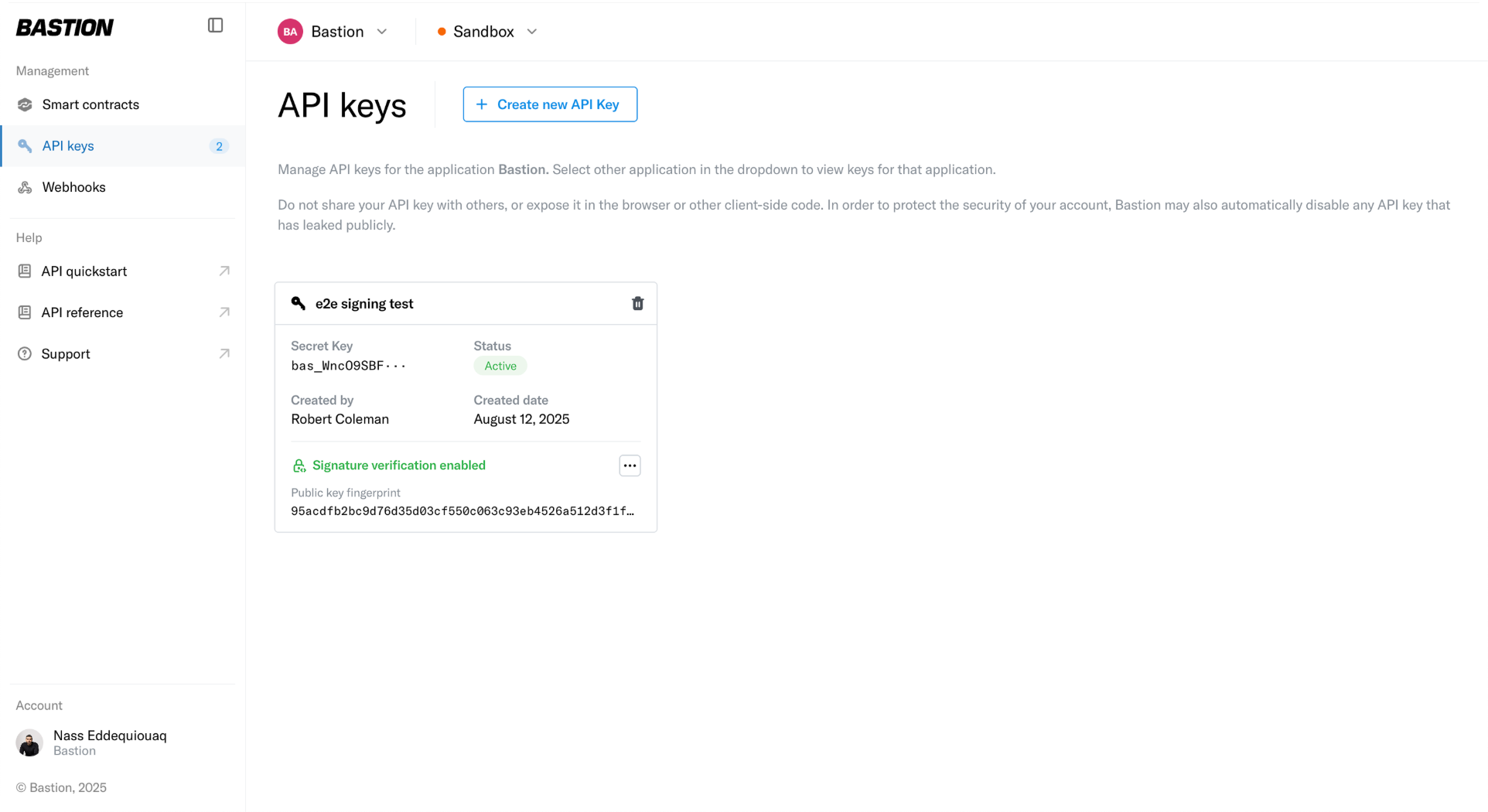
-
Select Create new API Key and enter a name for the key.
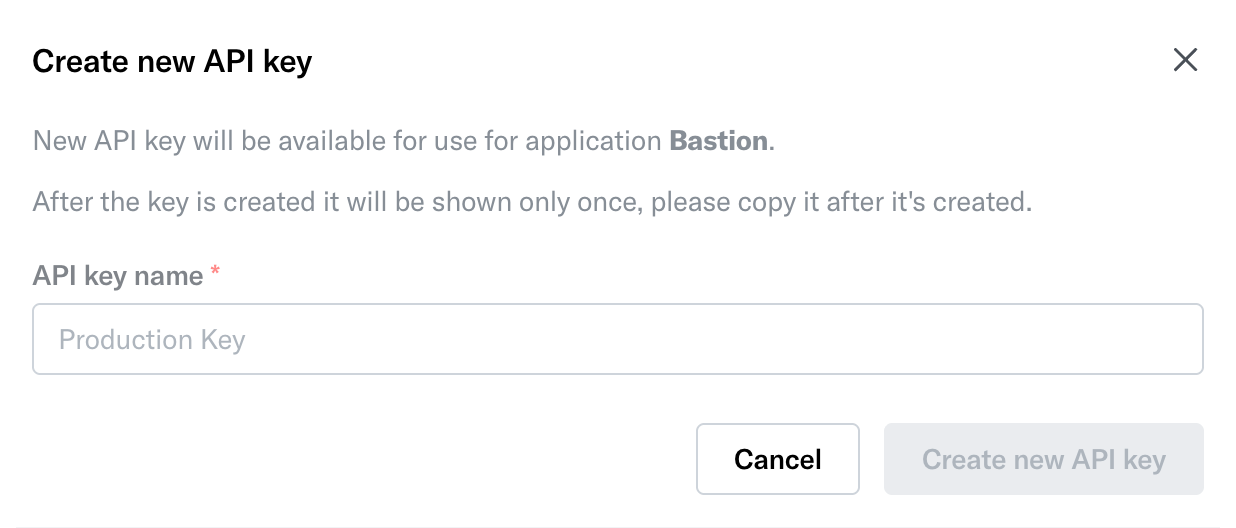
-
Copy and securely store the generated secret key. It won’t be retrievable after this step.
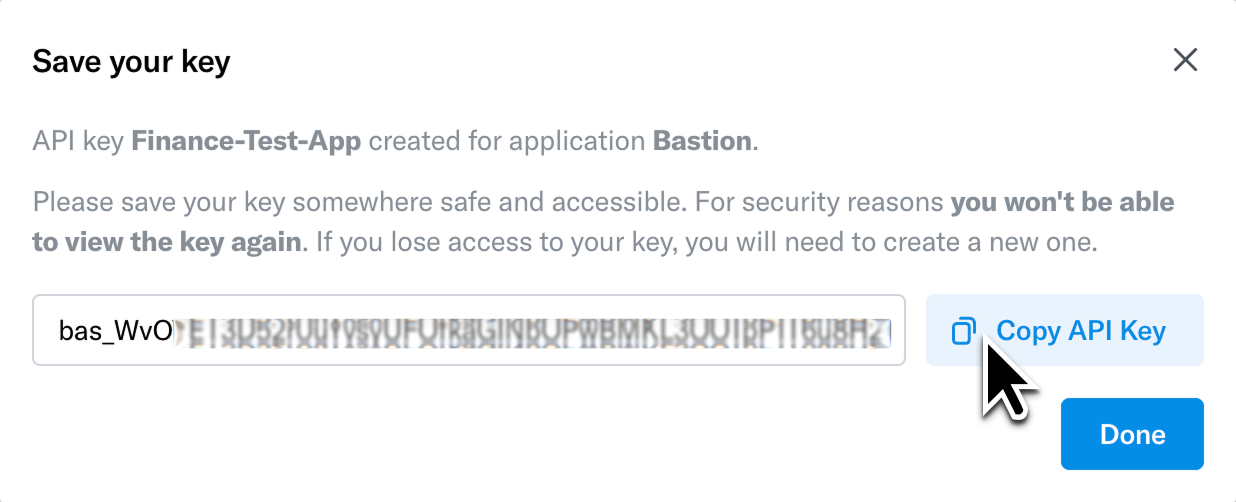
Your API key is unique to your organization. Do not share it with unauthorized individuals or expose it in client-side code, public repositories, or configuration files.
Pass the API key in request headers
Once you have obtained your API key, include it in the HTTP request headers for every API call:- Set the
Authorizationheader in your HTTP requests. - Use the
Bearerscheme followed by a space and your API key: - Replace
<your-api-key>with the actual key provided to you.
Example requests
200 response. If your key is missing or invalid, you’ll receive a 401 Unauthorized response.
Next steps
- Explore the Sandbox access page for details on the sandbox environment and dashboard
- Browse the API reference to see available endpoints