Overview
An account is an on-chain wallet associated with an identity. Accounts hold crypto assets, receive transfers, and are used to send cryptocurrency. Each identity can have multiple accounts.Prerequisites
- A Bastion identity that has completed KYC / KYB checks
Steps
1. Navigate to an approved identity
From the Bastion Dashboard sidebar, select Identities and select the approved identity.2. Select “Create Account”
Select the Create Account button in the top-right corner of the page.
3. Account created
The created account appears, showing the associated wallet addresses.- Provide the associated wallet addresses to a sender to receive supported cryptocurrencies

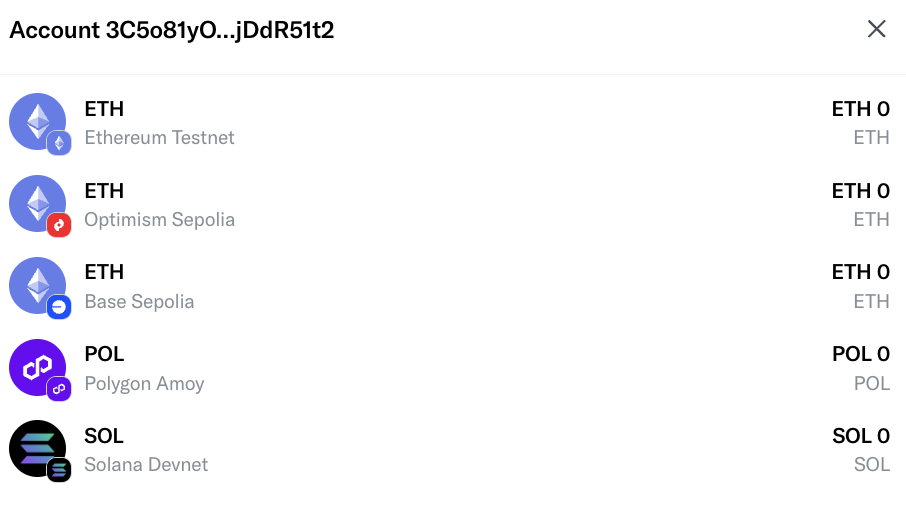
4. View account balances
Select the account row to surface the account balance modal on the right.