

Overview
Bastion supports two authentication methods:API keys
Bastion API keys use thebas_ prefix:
API keys tab:
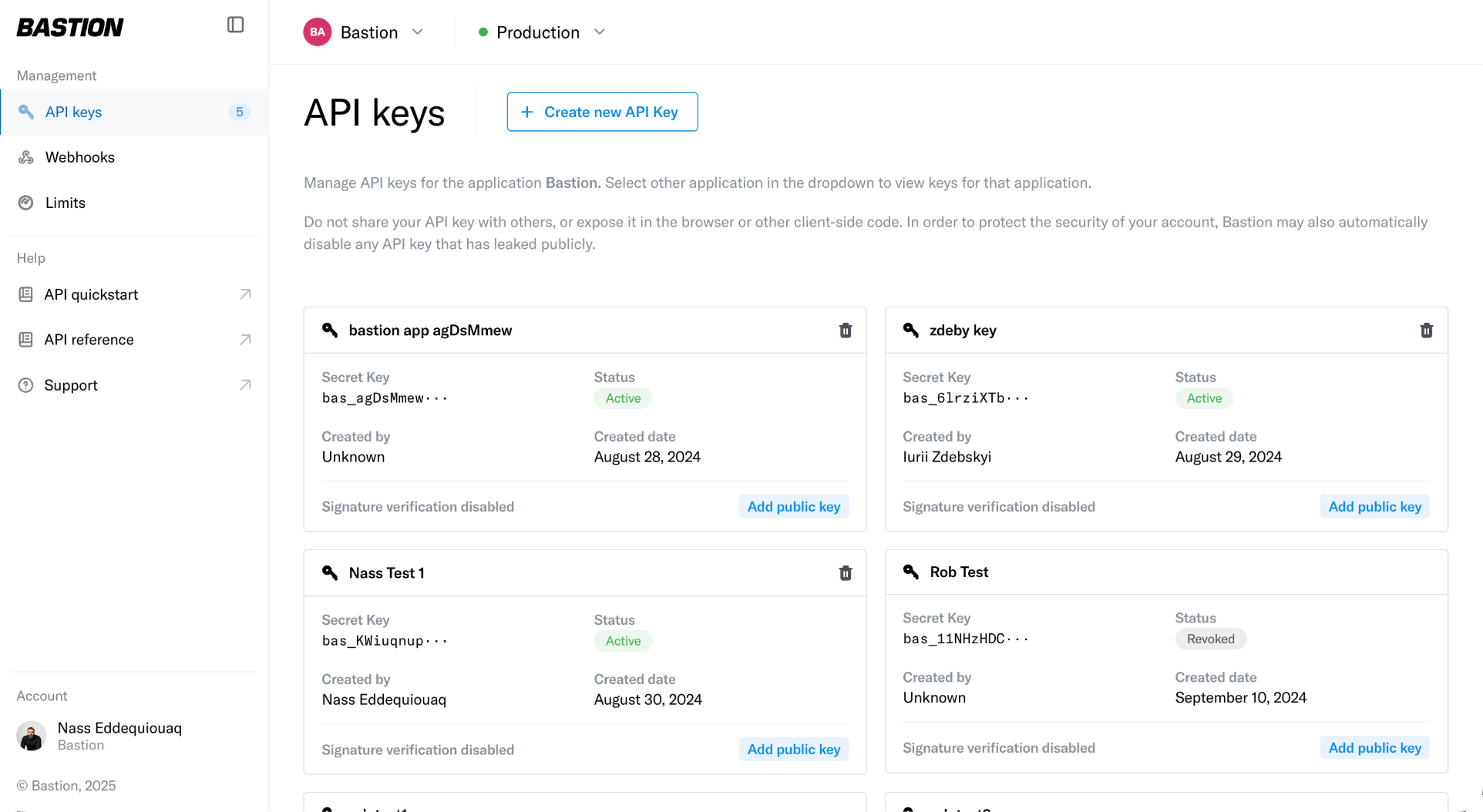
- Keys stored as BLAKE2b hashes (never raw)
- Full key shown only once at creation
- Can be revoked immediately
Request signing (enhanced authentication)
For higher-security operations, add asymmetric request signing using ECDSA P-256 keys.Setup
- Generate an ECDSA P-256 key pair
-
Register your public key in your Bastion Dashboard (linked to your API key)
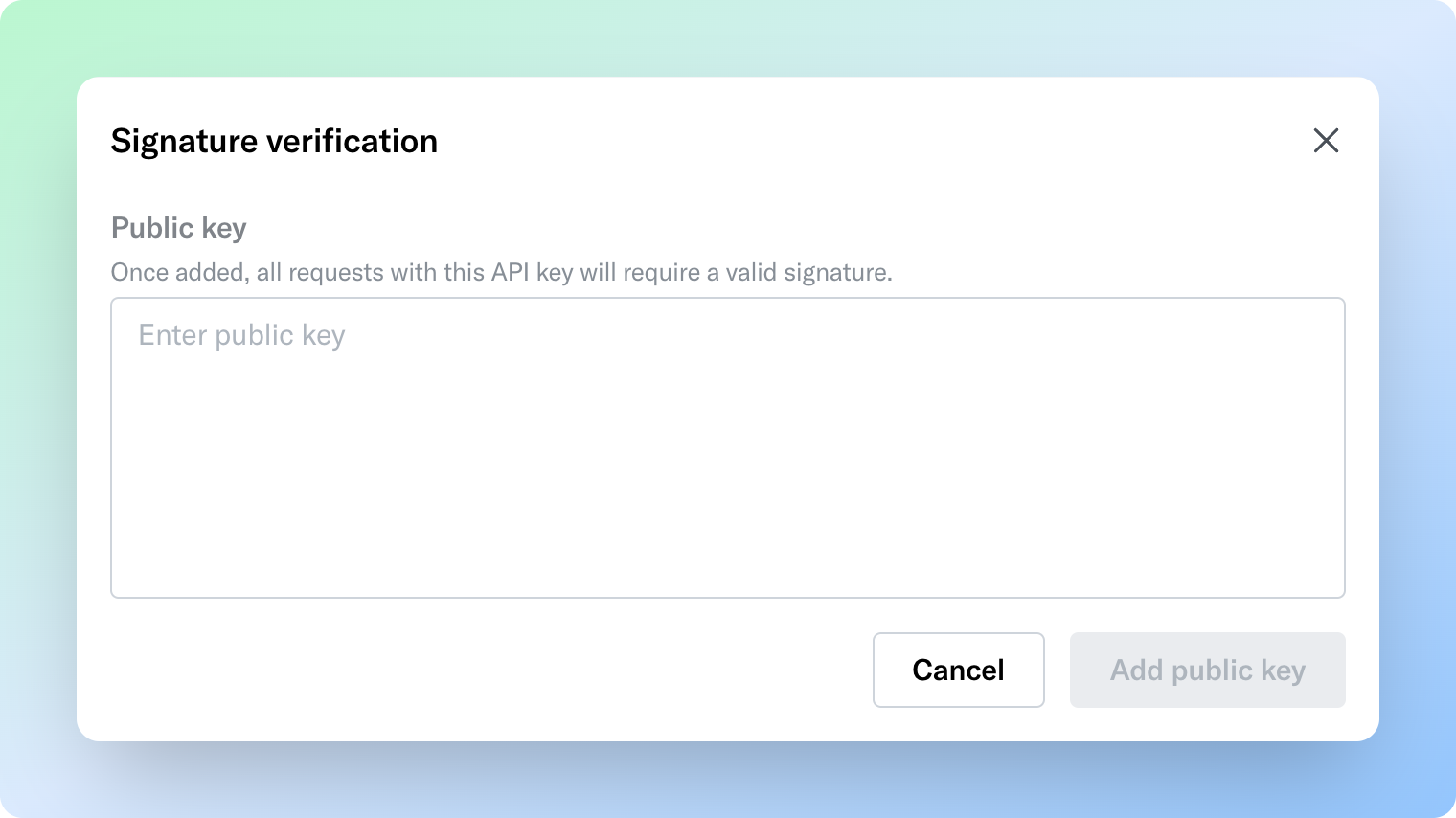
- Sign each request with your private key
Signature contents
Sign a JWT claim containing:
Bastion validates the signature and timestamp before processing. Requests outside the 30-second window are rejected to prevent replay attacks.
Follow the API Request Signing Guide for a full overview of the API request signing process with examples.
Security best practices
- Never expose API keys in client-side code
- Store keys in secrets managers
- Rotate API keys periodically
- Protect private signing keys — use HSM or secrets manager